
Design5 min read7 chapters
7 essential tips for a user-friendly website
Usability is a key theme in web design. But what makes a website truly user-friendly?

Digital Marketer

Usability is a key theme in web design. But what makes a website truly user-friendly? Here are 7 practical tips to turn your website into a user-friendly place that attracts and retains visitors.
1. Keep navigation simple
Visitors appreciate familiar, intuitive menus with clear categories. A user-friendly website has navigation so clear that users never have to guess where to go.2. Optimise for mobile
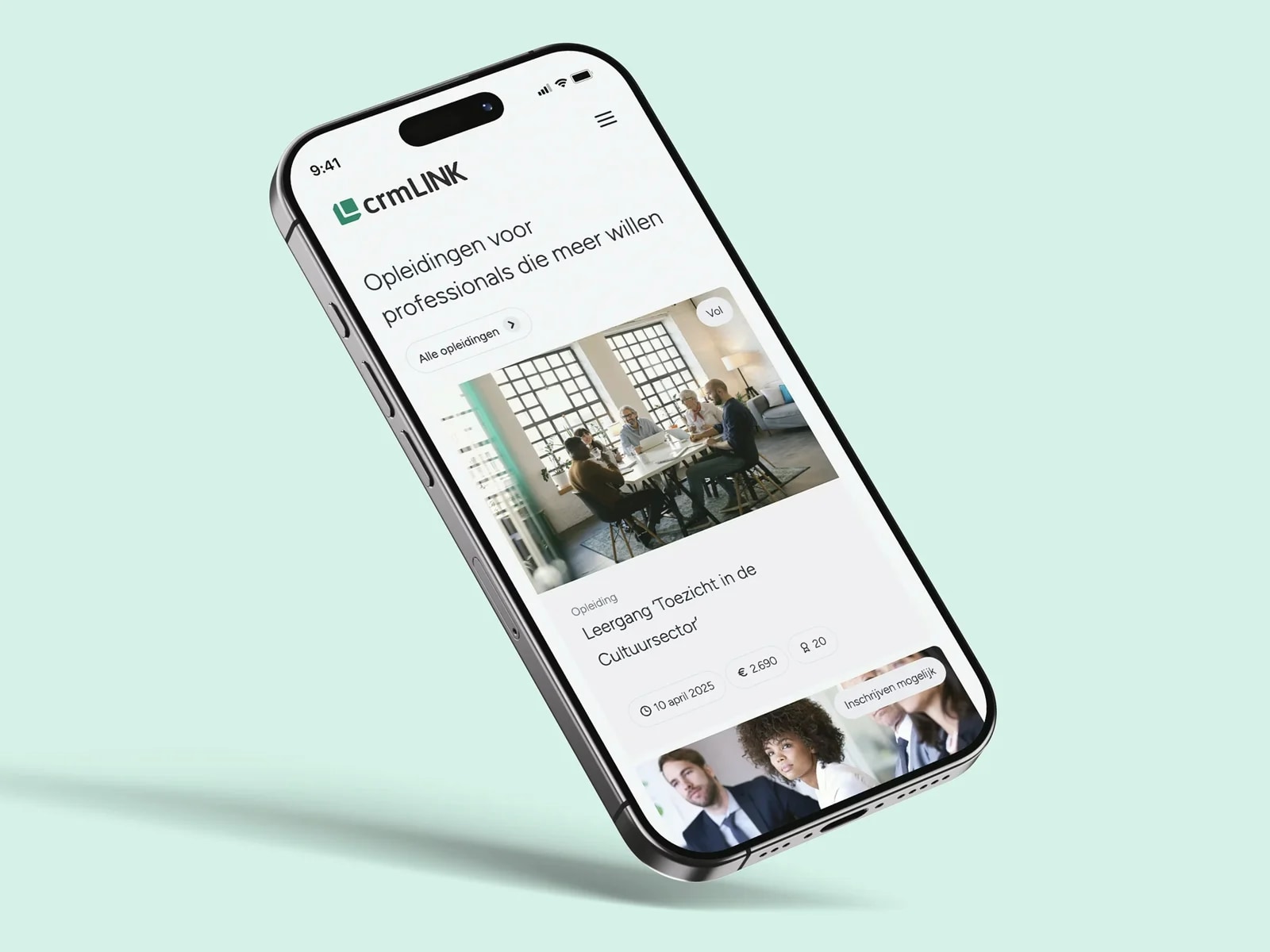
More than 50% of website visitors now view sites on their mobile. This percentage is expected to keep rising. A user-friendly website ensures that everything, from text to buttons, is optimally readable and clickable on small screens. Consider touch-friendly elements too: larger buttons, fewer text fields, and avoid frustrating pop-ups that take over the entire screen.3. Prioritise speed
Did you know that 40% of visitors leave if a site takes longer than three seconds to load? A user-friendly website loads fast. Optimise images, minimise unnecessary plugins, and choose a fast hosting provider. Shorter loading times are better for users and contribute to a higher Google ranking.4. Give users focus
Make sure your content is well organised, with enough white space and call-to-action buttons that stand out. A user-friendly website makes it immediately clear what you expect from visitors, without them losing the overview.5. Offer relevant content
User-friendly websites do not just excel in technical performance; the content also needs to respond to the needs of the target audience. Be concise, use clear headings, and offer value straight away. That makes your website more pleasant to use and more effective in achieving your goals.6. Accessibility for everyone
A truly user-friendly website is also accessible to people with disabilities. Use colours with sufficient contrast, add alt text to images, and make sure buttons and links are easy to distinguish. This broadens your reach and shows that you are socially engaged. Follow the WCAG guidelines to ensure accessibility.7. Improve through user feedback
Want to know whether your website is truly user-friendly? Ask your visitors. Incorporate feedback to continuously align your website with the needs and expectations of your target audience. Tools such as Google Analytics and Hotjar provide valuable insights into visitor behaviour, so you can make targeted improvements.A user-friendly website is a win-win: you make it easy and pleasant for visitors and you build a stronger brand experience. With these tips your website becomes more attractive and more effective.